
Prism Stream Pro
Features
Thirty-nine features, grouped by what you do with them.
Live TV
- Ten-day TV guide
- Programme grid with date-by-date browsing, a detailed view and catch up on programmes already aired.
- Programme remindersPremium
- Set an alert before a programme starts and get a notification.
- Grid or list
- Switch the channel display between thumbnails and a compact list.
- Categories and countries
- Filter by category or by country, and hide the ones you never use.
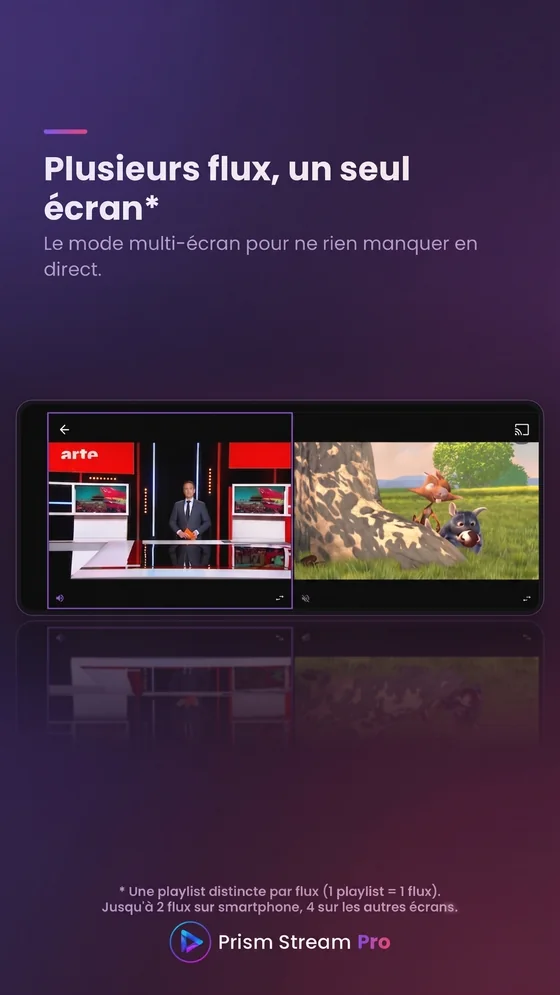
- MultiviewPremium
- Watch several channels at once, from separate accounts.
- Automatic recovery
- If a stream drops, playback restarts quietly before any error appears.
- Remote-friendly navigation
- An interface built for Android TV: D-pad movement, focus you can always see, and a direct way back.
Movies and series
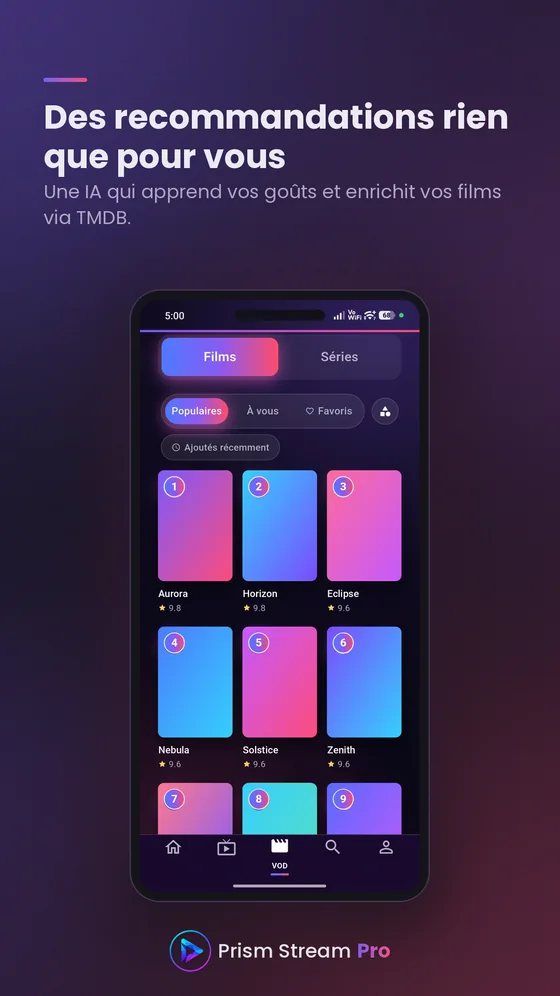
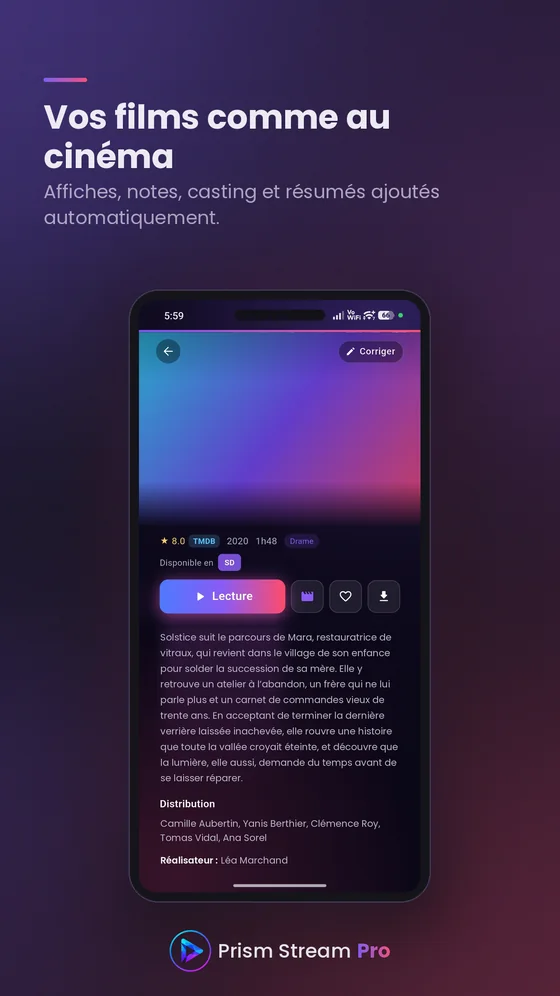
- Enriched detailsPremium
- Posters, synopses, ratings, genres and year, in the language of the app.
- Cast and recommendationsPremium
- Browse the actors, open their profile and find similar titles.
- Choice of quality
- Start playback or a download in the quality you want.
- Episode tracking
- Progress shown on every episode, with finished episodes marked automatically.
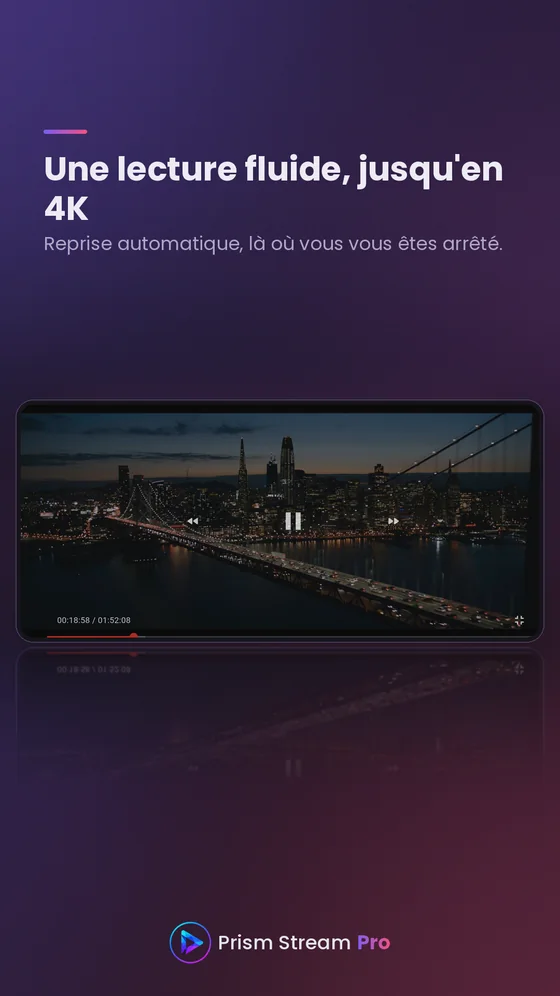
- Resume playback
- Pick a movie or an episode back up exactly where you left it.
- SuggestionsPremium
- Built from the genres you have watched most recently.
Playback
- Audio tracks and subtitles
- Choose the soundtrack and subtitle language, and adjust how subtitles look.
- Picture-in-picture
- Shrink the video into a floating window and carry on using your device.
- Sleep timer
- Have playback stop on its own after a set delay.
- DownloadsPremium
- Save movies and episodes to watch offline.
- Wi-Fi-only downloadsPremium
- Keep downloads off your mobile data without having to think about it.
- Cast to a TV
- Send playback to a Chromecast device and keep control from the app.
- Audio-only modePremium
- Listen to a football match while you walk the dog, or a show in the car: the picture is cut at the source, the screen goes black and only the sound carries on. A code guards the way out, so a pocket cannot stop playback.
Advanced settings
- Custom DNS and User-Agent
- Route through an encrypted DNS and change the player identity — enough to unblock the most stubborn streams.
- Built-in speed test
- Measure your connection from inside the app, before blaming the source.
- Fine playback tuning
- Hardware decoding, fast start, buffer size and low-latency mode.
- External player
- Send a stream to the player of your choice when you would rather use your own.
- Appearance
- Three skins, from frosted glass to full dark, applied across the whole app.
Profiles and family
- Multiple profilesPremium
- Several profiles per account, picked when the app opens.
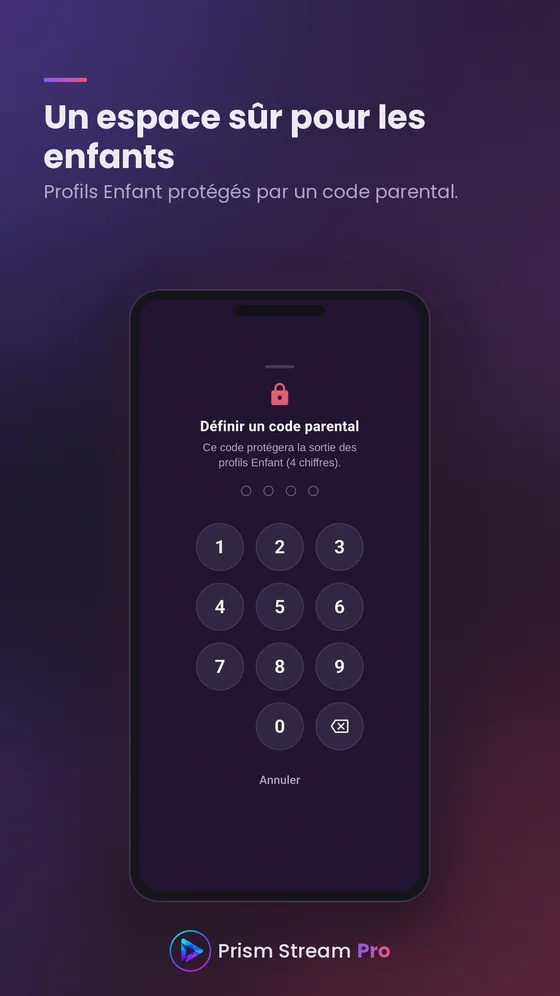
- Kids profilesPremium
- A restricted space, with no access to adult content.
- Parental controlPremium
- A code is required to turn it on or off, and it cannot be removed while a kids profile exists.
- Avatars and pictures
- Pick an avatar from the catalogue, or your own picture.
Account and security
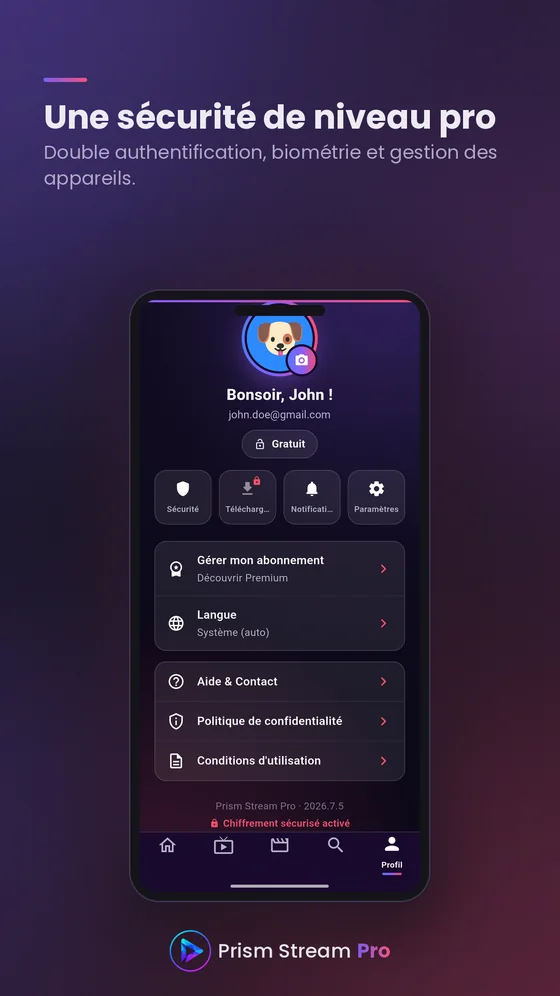
- PIN lock
- A hashed code is asked for when the application opens. Included with every account.
- Biometric unlockPremium
- Face ID or a fingerprint at launch, instead of the code.
- Two-factor authenticationPremium
- An authenticator app, with recovery codes to keep safe.
- Device managementPremium
- Review your sign-in history and the devices linked to your account.
- Google sign-in
- Sign in with your Google account, or with an email address and password.
- Incognito modePremium
- Watch without leaving anything in your history or your resume points.
Your data
- Playlists
- Add several sources in M3U format, or through Xtream Codes credentials.
- Cloud syncPremium
- Favourites, history and recent channels follow your account from one device to the next.
- Backup and restorePremium
- Export your settings and your sources, then restore them whenever you want.
- Twelve languages
- French, English, Spanish, Portuguese, Italian, German, Swedish, Polish, Dutch, Turkish, Russian and Arabic, right-to-left script included.
No content provided
Prism Stream Pro is a player and nothing else. The application does not provide, host, distribute or sell any audiovisual content, channel or playlist. It plays only the streams you supply yourself. You are responsible for the rights, licences or subscriptions required in your jurisdiction.